

1
How to Build and Optimize a DTF Gang Sheet for Maximum Efficiency in Custom Apparel Printing
By Liliet Corona, Embellishway
When it comes to “direct-to-film (DTF) printing”, optimizing efficiency is key to achieving high-quality results while minimizing waste. A DTF gang sheet allows businesses to print multiple designs on a single sheet, streamlining the production process and reducing costs. This comprehensive guide explores how to create and optimize DTF gang sheets effectively, ensuring you maximize print throughput and material utilization. Many printers face challenges like excessive ink usage and misaligned prints, making it crucial to understand the best practices for gang sheet design and layout. We will cover the concept of DTF gang sheets, software tools that can help you streamline the design process, effective layout techniques, and troubleshooting methods to enhance production flow.
What Is a DTF Gang Sheet and How Does It Enhance Printing Efficiency?
A DTF gang sheet refers to the practice of arranging multiple designs on a single printing film used in direct-to-film printing technology. This method not only optimizes the material used but also increases “printing efficiency” by allowing for multiple prints in one pass, significantly reducing production time. The primary benefit of utilizing DTF gang sheets is the substantial decrease in wasted film and ink, making it a cost-effective solution for high-volume production. Moreover, gang sheets can help reduce the time spent on setup and adjustments, leading to quicker turnaround times.
Which Software Tools Best Support Efficient DTF Gang Sheet Design?
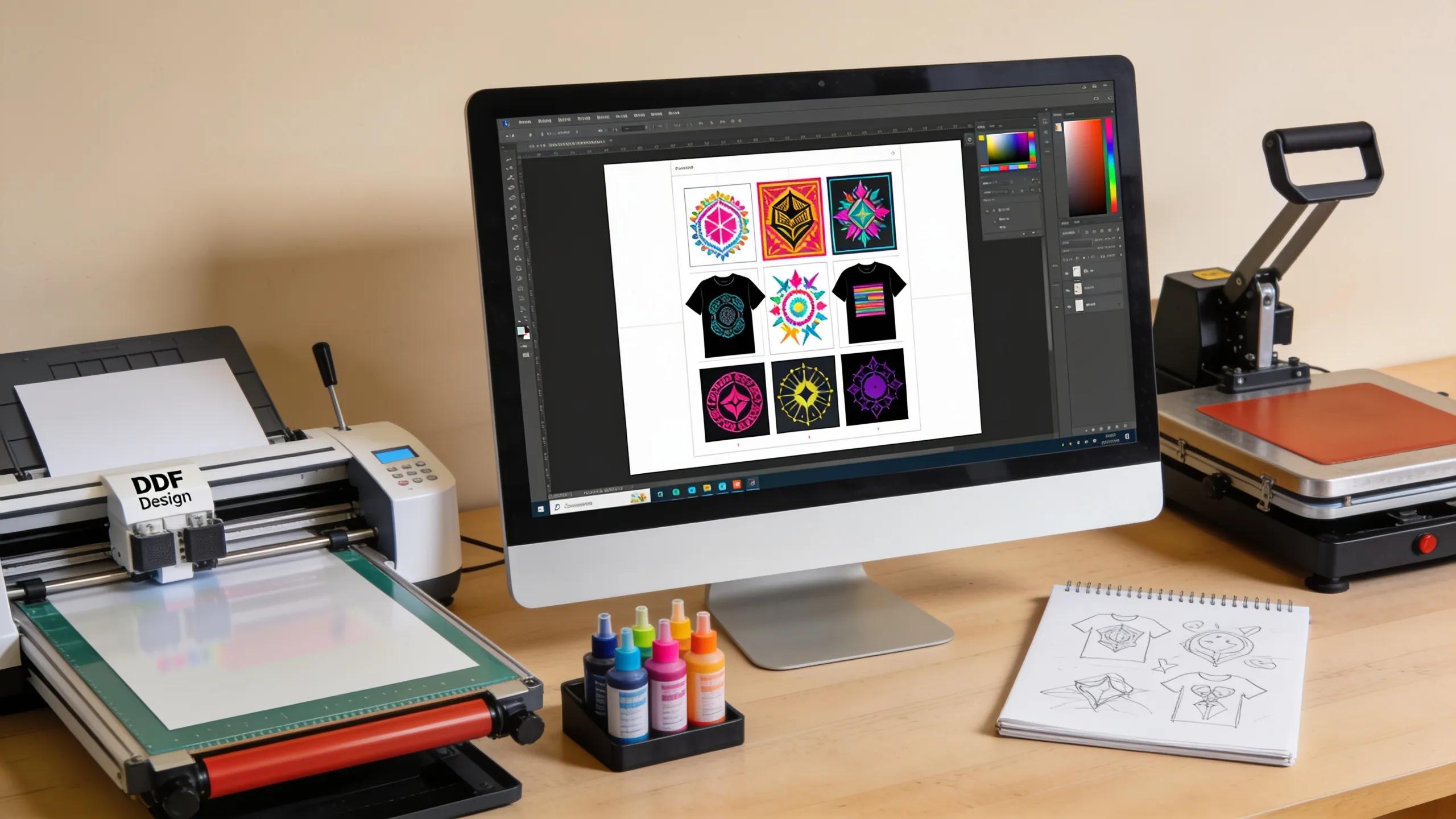
When designing a DTF gang sheet, selecting the right software tools is crucial. Various “software options” can drastically improve the design process, enabling better control over print layouts and efficiencies.
Advanced production environments often utilize specialized technical frameworks to manage the complexities of custom apparel manufacturing.
Leveraging CAD Workflows for Efficient Custom Apparel Production This was accomplished by analyzing an automated Computer-Aided Design (CAD) output file containing customer requirements regarding individual clothing items. Customized CAD modeling and design of production process for one-person one-clothing mass production system, 2018
What Features Should You Look for in DTF Print Design Software?
When choosing software for DTF print design, look for features such as:
- High-Resolution Capabilities: Ensures designs maintain quality during printing.
- Flexible Design Options: Supports different file formats and customizable templates for ease of use.
- User Interface Considerations: An intuitive design interface can streamline the design process and save time.
How Can Design Software Integration Streamline Your Printing Workflow?
Integrating software tools with your production line can enhance workflow significantly. Benefits include:
- Direct Printer Connections: Minimize manual inputs and errors by allowing software to communicate directly with printers.
- Template Creation Benefits: Save time by using pre-designed templates to quickly create new gang sheets.
- Collaboration Tools: Facilitate real-time collaboration among team members, ensuring everyone is on the same page and reducing errors in design and execution.
What Are the Best Layout Techniques for Optimizing DTF Gang Sheets?
Maximizing efficiency when arranging prints on a gang sheet is crucial for effective DTF printing. The layout can directly impact both ink usage and material waste.
How Do You Arrange Multiple Prints to Maximize Sheet Utilization?
To maximize the use of your gang sheet, it is essential to consider layouts that allow for higher density of designs. Techniques include:
- Space-Efficient Layouts: Organize designs closely together to use less film and produce more prints in a single run.
- Design Clustering: Group smaller designs to form larger configurations, which helps in optimizing the area used.
- Reducing Material Waste: By carefully planning out the arrangement, you can ensure that every inch of the sheet is utilized effectively.
Which Factors Affect Ink Usage and Print Quality in Gang Sheet Layouts?
Several factors can influence both the ink consumption and the final print quality when working with gang sheets. Key considerations include:
- Ink Usage Metrics: Analyzing how much ink is used for various design sizes and arrangements can help in optimizing layouts for cost efficiency.
- Layout Impacts on Final Product: Variations in layout can affect the print’s fidelity and color accuracy. Managing these elements is key.
- Optimization Techniques: Adjusting design dimensions and spacing can positively impact both ink consumption and print quality, leading to a better end product.
How Can You Troubleshoot and Improve Your DTF Gang Sheet Production?
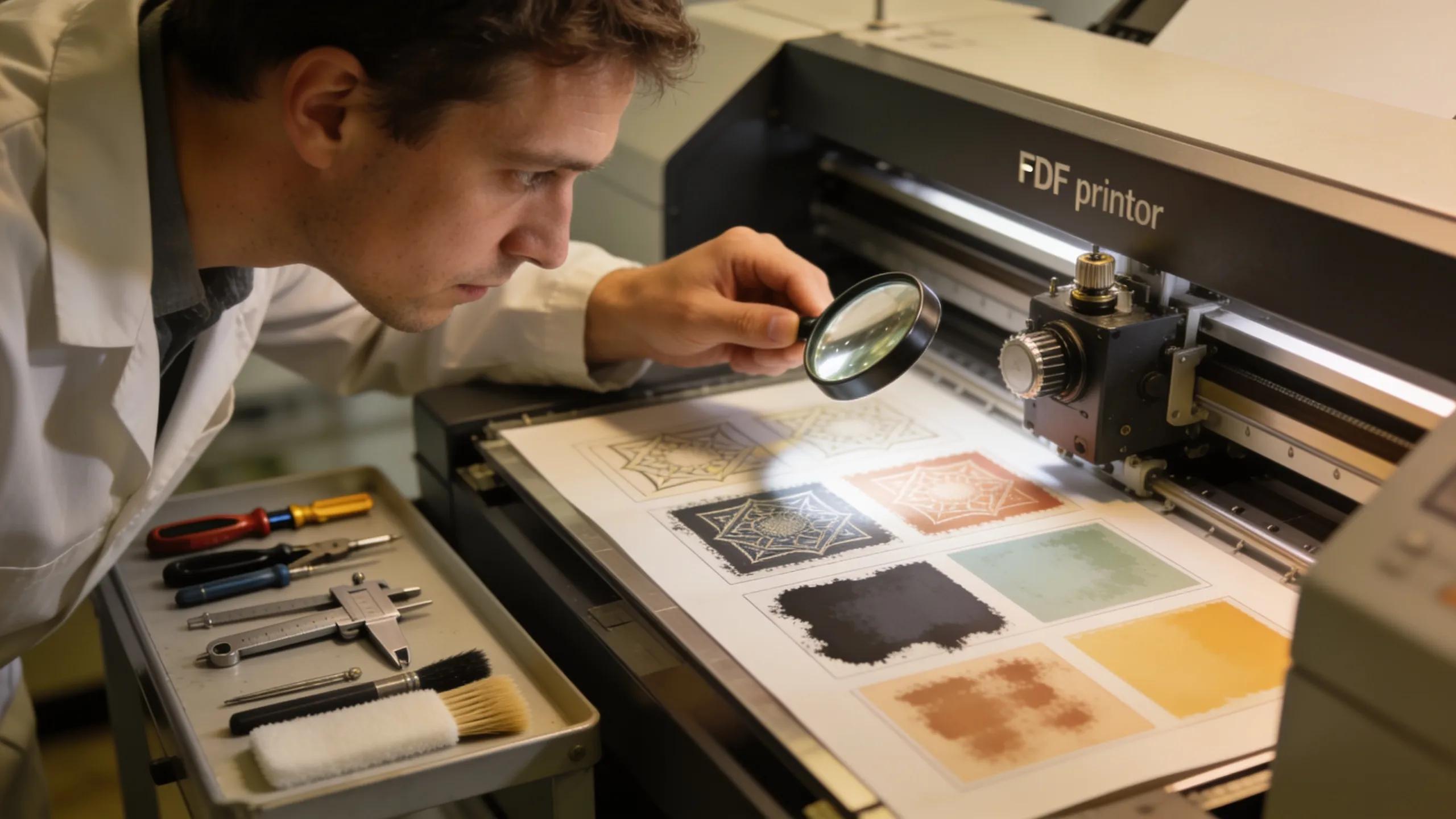
Even with careful planning, issues can arise during the DTF printing process. Being prepared with troubleshooting techniques can help mitigate common problems.
What Are Common Issues in Bulk DTF Printing and How to Address Them?
Common problems such as misalignment of designs, poor ink distribution, or film adhesion issues can disrupt production flow. Addressing these may involve:
- Regular Maintenance: Keeping printers and equipment in peak condition to prevent malfunctions.
- Calibration Checks: Ensuring printers are correctly calibrated to avoid misprints.
- Quality Control Measures: Regularly checking prints during production for any inconsistencies.
How Can Case Studies Demonstrate Successful Gang Sheet Optimization?
Several case studies show that businesses implementing gang sheets dramatically improved their production efficiency. For instance, companies noted a reduction in material costs by up to 30% through effective layout strategies and software integration.
Different layout strategies deliver distinct benefits through specific optimizations.
By understanding these metrics, printers can choose layout strategies that provide both cost savings and faster turnaround times.